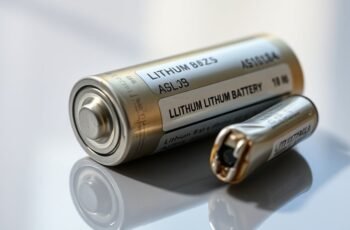
Lithium batteries are complex systems that require careful maintenance to guarantee safety and performance. Small signs of malfunction, like rapid voltage drops or swelling, can indicate internal issues that need immediate attention. Proper troubleshooting can prevent more serious failures and prolong battery life, but it requires a precise understanding of common symptoms and corrective measures. To effectively manage these risks, it’s essential to recognize early warning signs and follow systematic troubleshooting steps—a process that can make all the difference in avoiding costly replacements or safety hazards.
Key Takeaways
- Regularly monitor battery voltage, capacity, and internal resistance to identify early signs of malfunction.
- Use compatible chargers and avoid overcharging or deep discharges to maintain battery health.
- Keep batteries in cool, dry environments and prevent exposure to extreme temperatures.
- Perform routine inspections for swelling, corrosion, or damage, and replace batteries showing signs of deterioration.
- Calibrate batteries periodically and ensure proper recycling to extend lifespan and prevent safety risks.
How Can I Tell If My Lithium Battery Is Acting Up?
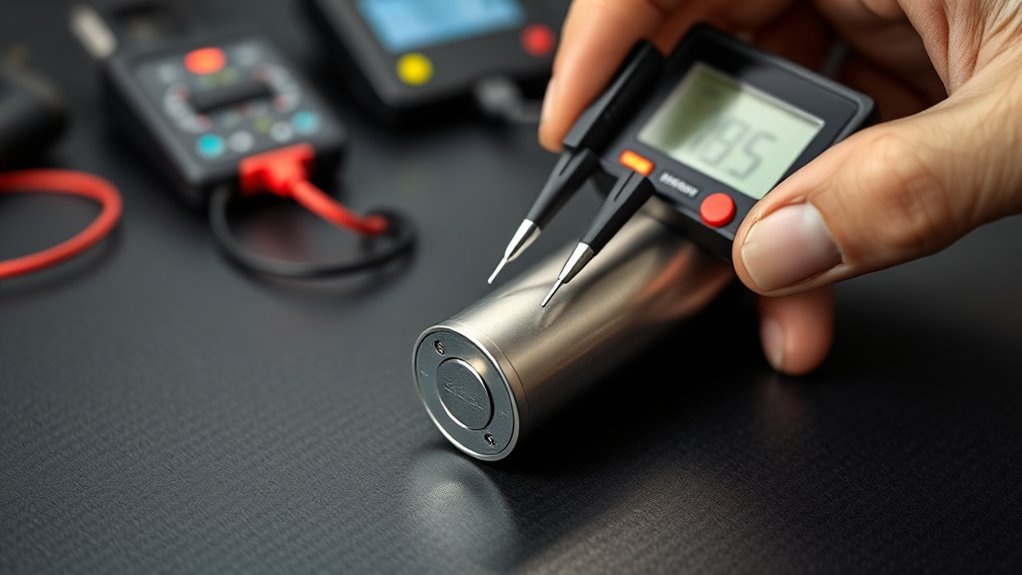
Determining if your lithium battery is malfunctioning requires careful observation of its performance and behavior. Variations in capacity, such as rapid voltage drops or reduced runtime, often indicate issues with battery chemistry degradation. Monitoring charging and discharging patterns helps identify abnormal fluctuations, which can signal internal cell imbalances. Proper storage conditions are essential; exposure to extreme temperatures or high humidity accelerates chemical deterioration, affecting overall performance. If the battery exhibits swelling, excessive heat, or difficulty holding a charge despite ideal storage, these are signs of potential failure. Consistent, precise monitoring of voltage stability and capacity retention provides insight into its health. By understanding the interplay of battery chemistry and storage conditions, we can better determine when a lithium battery begins to act up.
Tips to Extend Your Lithium Battery’s Life
To maximize the lifespan of your lithium battery, it’s essential to adopt best practices for charging, discharging, and storage. Proper maintenance reduces capacity fade and minimizes environmental impact through effective battery recycling. Avoid deep discharges below 20%, and keep charges between 20% and 80% when possible. Store batteries in a cool, dry environment at approximately 50% charge to prevent capacity loss. Regularly calibrate and monitor performance to identify degradation early.
| Practice | Benefit |
|---|---|
| Partial charges | Extends cycle life and reduces stress |
| Avoid high temperatures | Preserves battery chemistry and capacity |
| Proper storage | Maintains optimal health and longevity |
| Recycling batteries | Reduces environmental impact and waste |
| Routine performance checks | Detects early signs of deterioration |
Troubleshooting Common Charging and Power Problems
Even with proper maintenance, lithium batteries can encounter charging and power issues that hinder performance. One common cause is improper battery calibration, which disrupts accurate voltage readings and causes inconsistent power delivery. Regular calibration through controlled charging cycles ensures the battery maintains peak capacity and reliable performance. Faulty chargers or damaged cables can also impede proper charging, leading to incomplete or slow charge times. Additionally, excessive or insufficient charging cycles can degrade battery chemistry, reducing efficiency and capacity over time. To troubleshoot, verify charger integrity, monitor charging times, and perform calibration processes periodically. If problems persist, examining the battery’s internal cell balance or consulting technical diagnostics may be necessary to identify underlying issues affecting charging and power stability.
When Is It Time to Replace My Lithium Battery?
As lithium batteries degrade over time, recognizing the signs that indicate it’s time for replacement becomes essential to maintaining peak device performance. A significant decline in capacity, elevated internal resistance, or frequent voltage drops signal reduced efficiency, warranting battery replacement. Continuing to use degraded batteries increases the risk of failure and potential safety hazards. Proper disposal through battery recycling is vital to mitigate environmental impact, as lithium-ion cells contain hazardous materials. Replacing batteries responsibly minimizes ecological harm and supports sustainable practices. When performance issues persist despite troubleshooting, it’s a clear indication that replacement is necessary. Timely replacement not only restores device functionality but also aligns with environmental stewardship, ensuring that hazardous waste is managed properly, reducing long-term ecological effects.
Simple Steps to Prevent Battery Failures
Implementing proper charging and storage practices is essential for preventing lithium battery failures. Consistent adherence to recommended voltage and temperature ranges enhances battery safety and minimizes environmental impact. Avoid overcharging or deep discharging, which can cause capacity loss or thermal runaway. Store batteries in a cool, dry environment, away from direct sunlight and conductive materials. Regularly inspect for corrosion or damage to prevent failures. The table below summarizes key preventative measures:
| Practice | Rationale |
|---|---|
| Use dedicated chargers | Prevents overvoltage, ensuring safety |
| Maintain ideal temperature | Avoids thermal stress and degradation |
| Store in controlled environment | Reduces environmental impact, prolongs lifespan |
| Conduct routine inspections | Detects early signs of failure |
Adhering to these steps promotes safety, reduces environmental impact, and extends battery life.
Frequently Asked Questions
Can Extreme Temperatures Damage My Lithium Battery?
Extreme temperatures cause thermal expansion, which stresses lithium batteries and accelerates battery degradation. We advise avoiding high heat and excessive cold, as these conditions impair performance and longevity, leading to potential safety risks and reduced lifespan.
How Do Different Charging Cycles Affect Battery Lifespan?
Did you know that shallow charge cycles can extend lithium battery lifespan by up to 80%? Faster charging speeds and deep cycle depths accelerate capacity loss, so maintaining moderate cycle depths and slower charging optimizes longevity and performance.
Are There Specific Storage Conditions to Prolong Battery Health?
To minimize battery degradation, we recommend storing lithium batteries in ideal conditions: cool, dry environments at around 40-50% charge, avoiding extreme temperatures and humidity, which can accelerate deterioration and compromise long-term battery health.
What Are Signs of Internal Battery Damage?
Internal battery damage shows as swelling, like a balloon ready to burst, and unusual voltage drops. These signs indicate compromised cell integrity, risking safety and performance, so prompt inspection and replacement are essential for maintaining ideal battery health.
Is It Safe to Use Third-Party Chargers With Lithium Batteries?
We advise against using third-party chargers, as they may lack proper voltage regulation, risking damage or safety hazards. Instead, we recommend consistent battery calibration using manufacturer-approved chargers to guarantee ideal performance and longevity of lithium batteries.
Conclusion
Regular maintenance and prompt troubleshooting are essential; studies show that proper care can extend lithium battery life by up to 50%. Monitoring signs like swelling or heat helps prevent failures and costly replacements. By following best practices—using dedicated chargers, avoiding deep discharges, and inspecting for damage—we optimize performance and safety. Staying proactive guarantees your lithium batteries remain reliable, supporting your devices efficiently and reducing environmental impact through longer lifespan management.